Bugs

Frosted glass effects work irregularly

5d agoCompleted

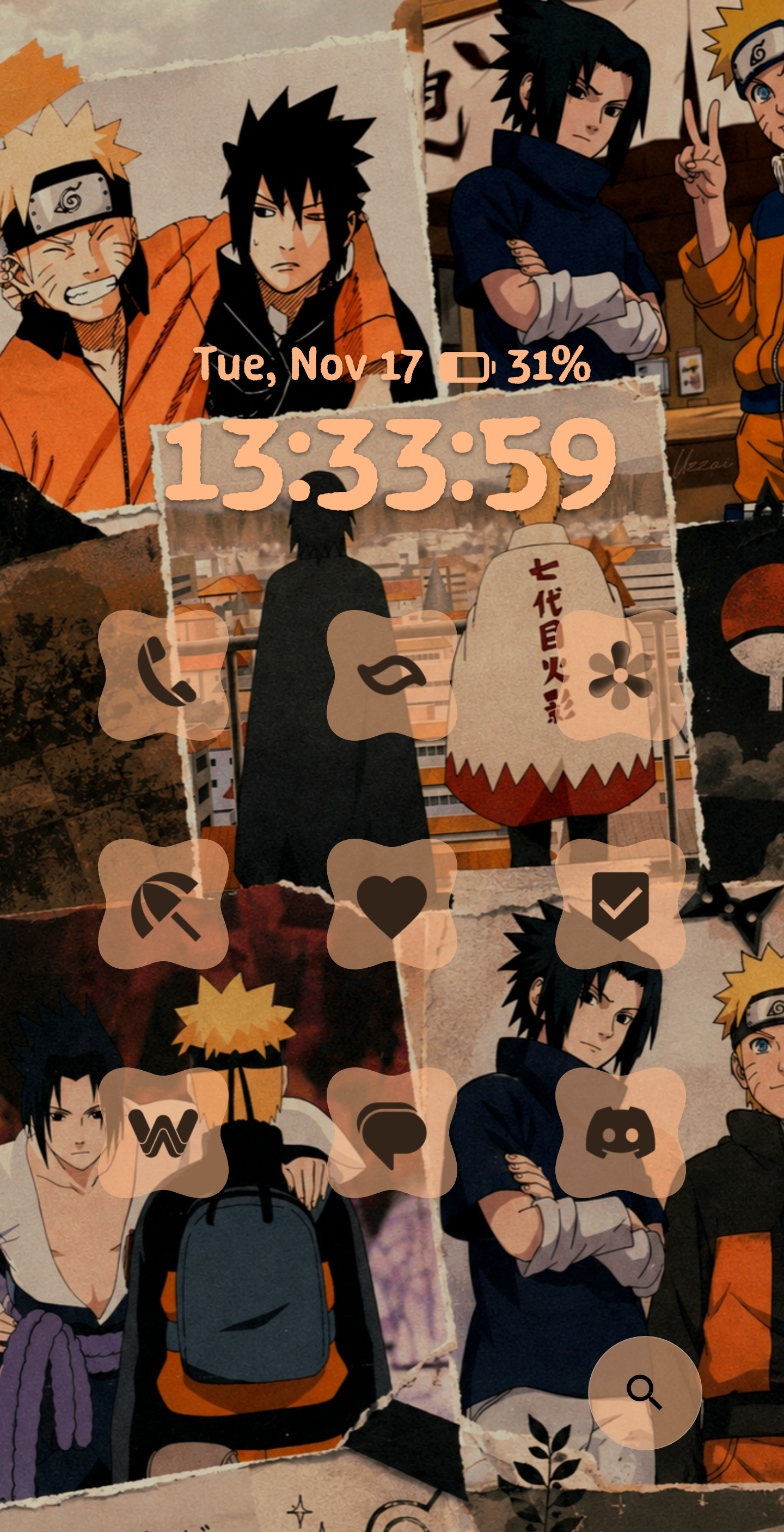
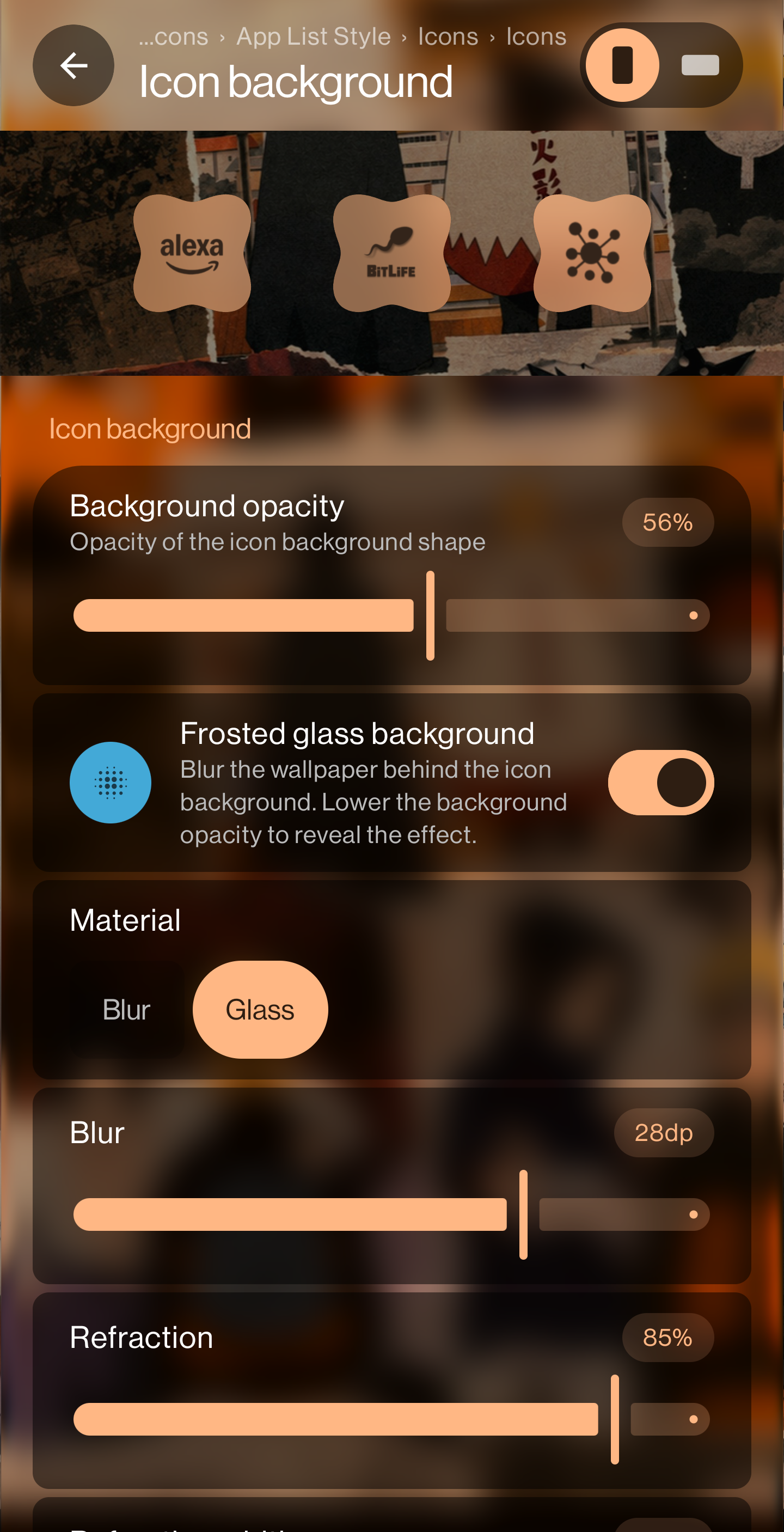
The frosted glass effects have been a hit or miss. For example, they stopped working on the home screen but work on the folder and widget page. Turning off and on the effect under appearance seemed to fix it, but a few minutes later the home screen icons and widget stack lose the effect again.

  • img/i_8sb6g9aranma41ejogcag2af
  • img/i_zpmfms0jow60u960mzefg1ec

4 comments

  1. Hi, unfortunately I'm still getting transparency issues. When I switch animations to carousel, the drawer icons lose their frosted glass effect.

    Also, it feels like all the animations except folders have noticeably slow down.

    • img/i_ntvgo7461nwr53n402tf0ss8
    • img/i_c82z995v1qzrnehlouoe245i
  2. Carles Rojas marked this as Completed3d ago
  3. The fix is done: the home screen now gets the wallpaper back for the blur every time the screen turns on, so the icons, the notification stack and the Mango button keep their frosted glass. It will be in the next update. Until then, turning the effect off and on still works as a temporary fix.

    1. Wow, that was fast. Thank you! Looking forward to the next update.

  4. Thanks for the detailed report and screenshots, they helped a lot! I found the cause: when the screen turns off, the blur engine throws away its copy of the wallpaper to save memory, and on the home screen nothing asks it to take a new one when you come back, so the icons, the notification stack and the Mango button show no blur. The widget pages and folders are rebuilt each time you open them, which is why they keep working (and why turning the effect off and on fixes it for a while). I'm working on the fix now.

  5. via API marked this as In Progress3d ago